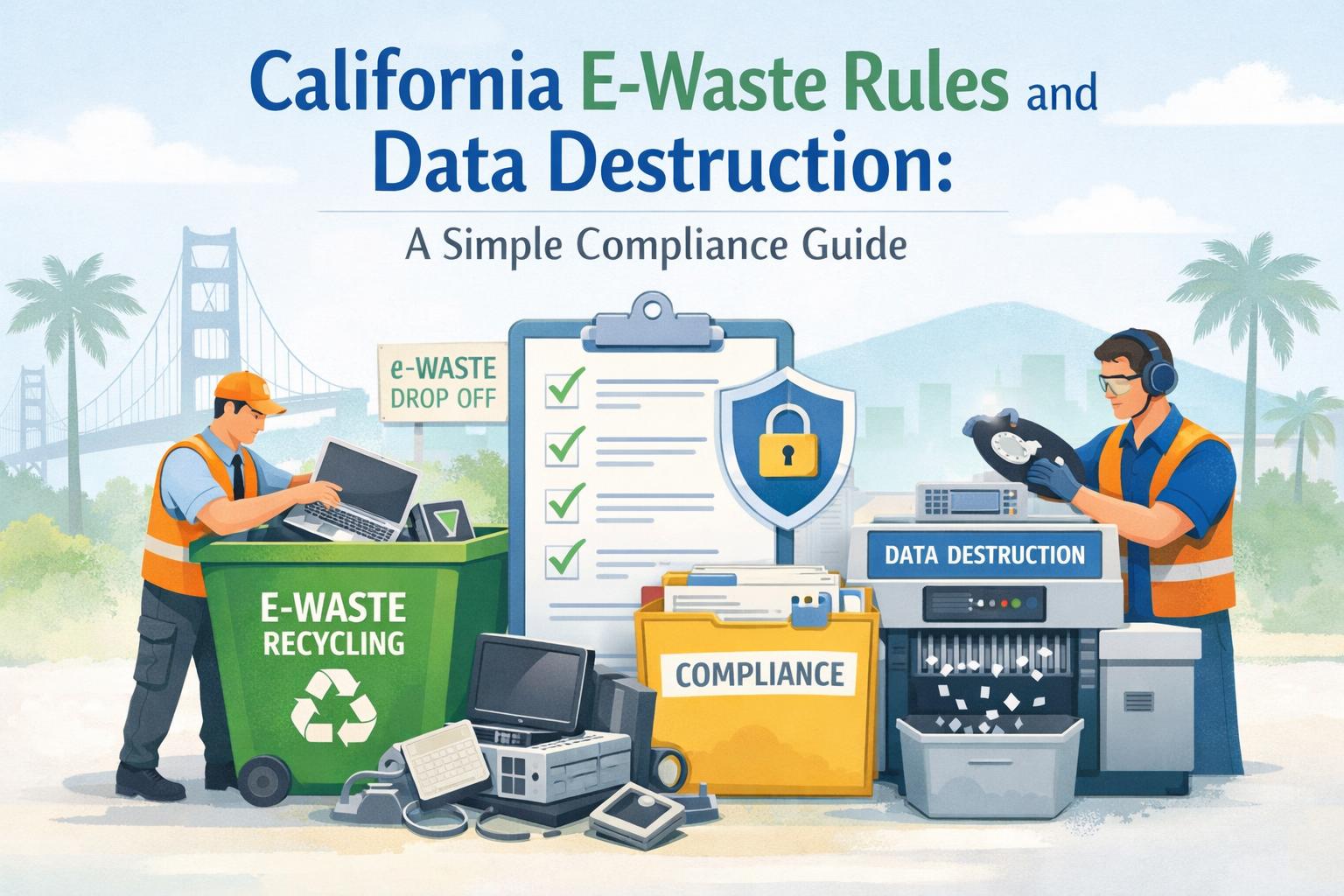
Getting rid of old computers, monitors, and other electronics from your business isn't as simple as tossing them in a dumpster. California has some of the strictest e-waste regulations in the country, and for good reason. Electronic devices contain hazardous materials that don't belong in landfills—and they often hold sensitive data that could expose your company to serious liability if mishandled.
This guide breaks down what California's e-waste rules actually require, how data destruction fits into the picture, and what you need to do to stay compliant. Whether you're clearing out a single office or managing equipment across multiple facilities, understanding these regulations protects both your business and the environment.
What California Law Says About E-Waste Disposal
California's Electronic Waste Recycling Act, passed in 2003, made the state a pioneer in regulating how businesses dispose of electronic devices [1]. The law established a system where certain electronics—called "covered electronic devices"—cannot legally go to landfills.
Devices Banned from California Landfills
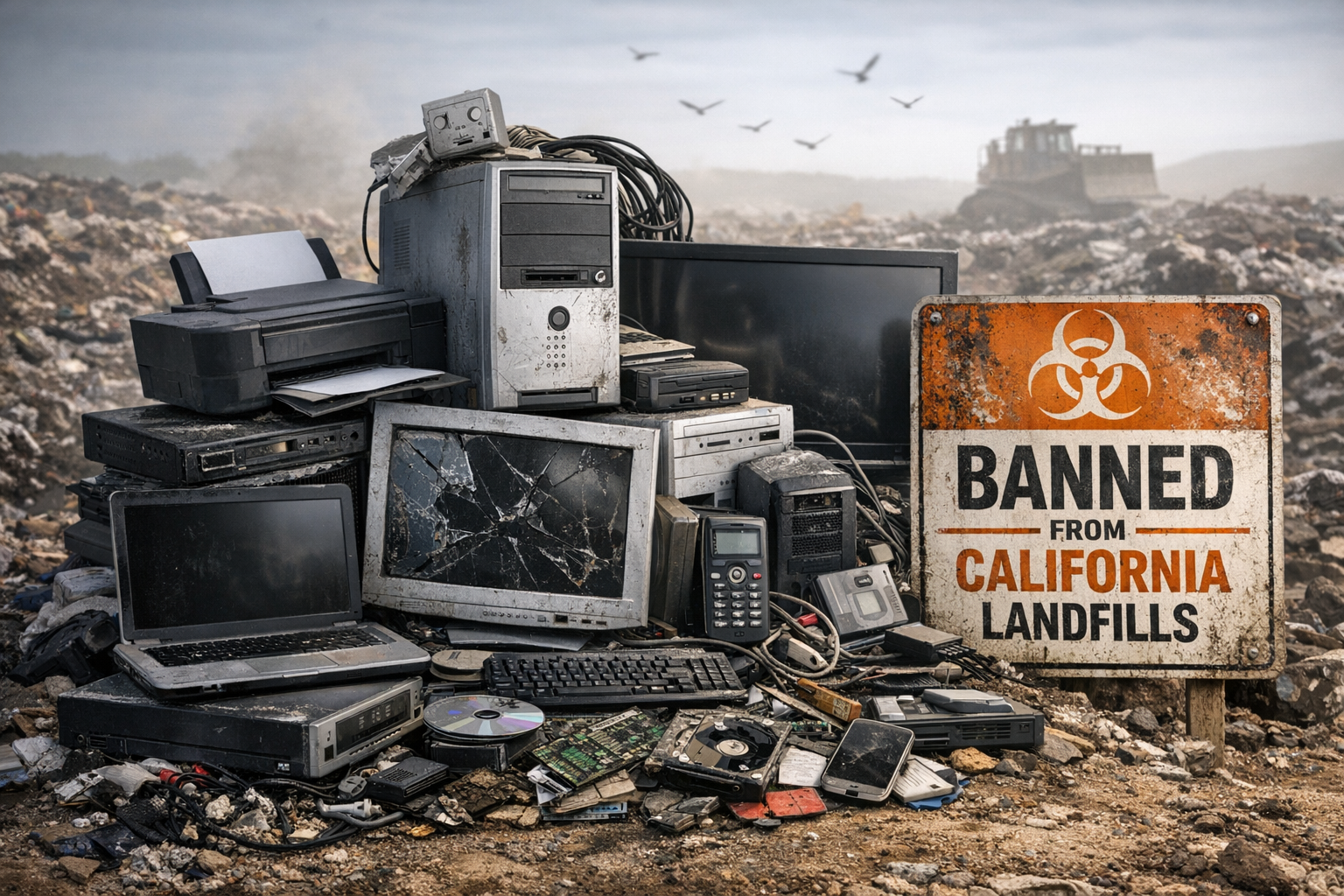
The California Department of Toxic Substances Control (DTSC) classifies the following as hazardous waste when discarded:
Computer monitors and laptops (CRT and flat-panel displays)
Televisions of all types
Desktop computers and servers
Printers and peripherals
Cell phones and tablets
DVD players and other consumer electronics with circuit boards
These devices contain lead, mercury, cadmium, and other toxic materials that can leach into soil and groundwater when dumped in landfills [2]. California law requires them to go through certified e-waste recyclers instead.
The Universal Waste Rule
Under California's Universal Waste Rule, businesses that generate e-waste must either:
Take devices to an authorized collection site
Use a certified e-waste hauler or recycler
Participate in a manufacturer take-back program
You cannot accumulate e-waste on-site for more than one year, and you must keep basic records showing where your devices went [3].
Why Data Destruction Matters More Than You Think
Here's where many businesses stumble. They focus on the environmental compliance side of e-waste and forget about what's actually stored on those devices.
The Real Risk of Mishandled Data
That old laptop sitting in your storage closet? It likely contains:
Employee personal information (Social Security numbers, addresses, bank details)
Customer records and payment data
Proprietary business information
Login credentials and access codes
Email archives and internal communications
Simply deleting files doesn't eliminate the risk. Standard deletion only removes the file's reference point—the actual data remains on the drive until it's overwritten. Anyone with basic recovery software can retrieve "deleted" information [4].
What the Law Requires
California's data privacy laws add another layer of responsibility. The California Consumer Privacy Act (CCPA) and its successor, the California Privacy Rights Act (CPRA), require businesses to implement reasonable security measures for personal information—and that includes secure disposal [5].
If a data breach occurs because you failed to properly destroy information on retired devices, your business could face:
Fines of up to $7,500 per intentional violation under CCPA
Civil lawsuits from affected individuals
Notification costs and reputational damage
Regulatory investigations
For healthcare organizations, HIPAA adds federal penalties that can reach $1.5 million per violation category [6].
A Simple Process From Inventory to Certified Destruction
Handling e-waste compliance doesn't have to be complicated. Breaking it into clear steps makes the whole process manageable.
Step 1: Create an Inventory
Before anything gets recycled, document what you have. A basic inventory should include:
Device type and manufacturer
Serial number or asset tag
Storage capacity (for data-bearing devices)
Current location
Condition (working, damaged, unknown)
This inventory serves two purposes. It helps you track chain of custody, and it gives you documentation if questions arise later.
Step 2: Identify Data-Bearing Devices
Not every piece of e-waste holds sensitive information. Prioritize devices with storage capabilities:
High Priority (require certified data destruction):
Computers and laptops
Servers and network storage
Smartphones and tablets
Printers with internal memory
Copiers with hard drives
External hard drives and USB drives
Lower Priority (standard recycling typically sufficient):
Monitors without built-in storage
Keyboards and mice
Basic peripherals
Cables and accessories
Step 3: Choose a Destruction Method
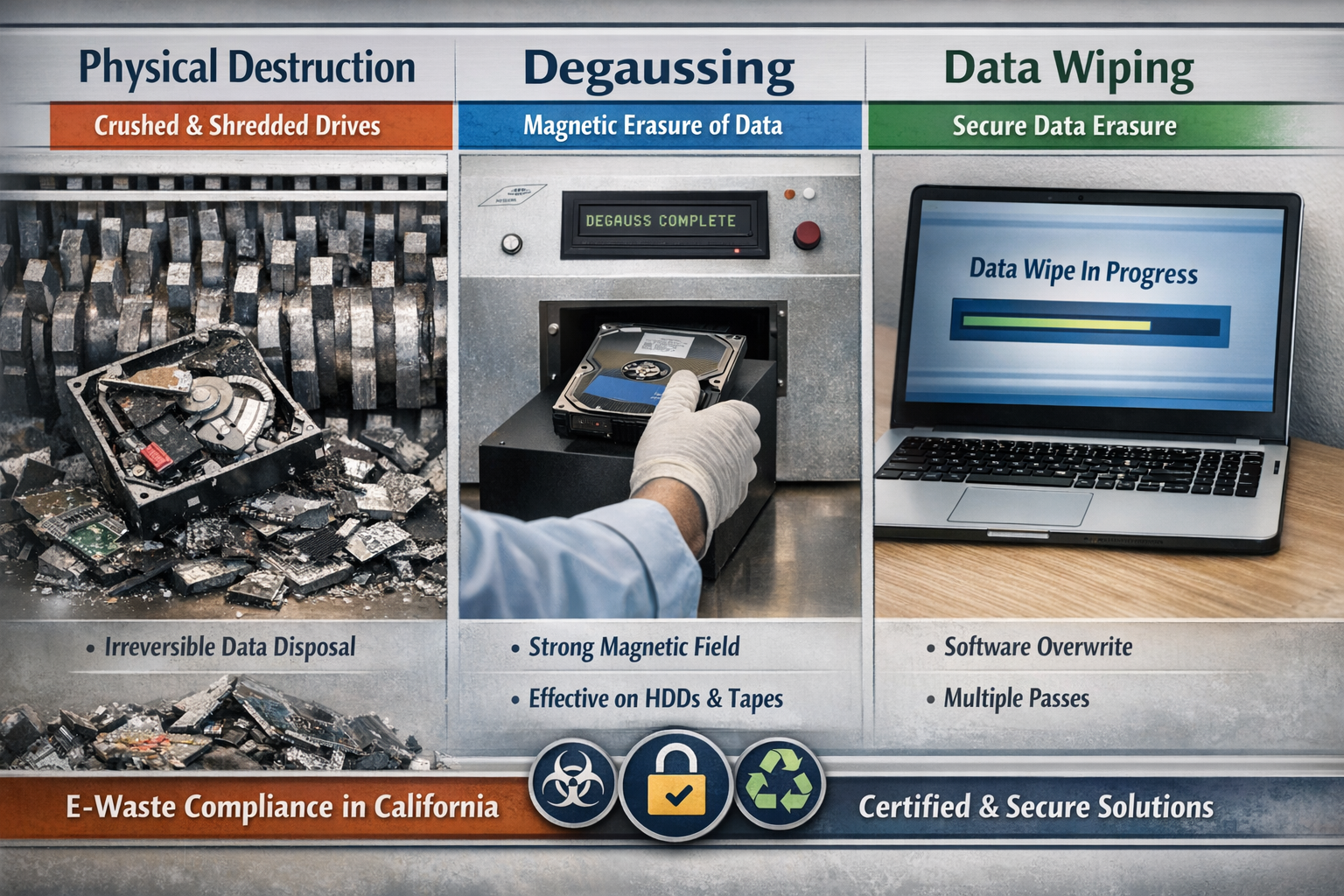
For data-bearing devices, you have three main options:
Physical DestructionThe most secure method. Drives are shredded, crushed, or otherwise physically destroyed so data cannot be recovered. This works for any storage media and leaves no possibility of data retrieval.
DegaussingUses powerful magnetic fields to erase data on magnetic storage (traditional hard drives and tape). Not effective on solid-state drives (SSDs), which store data differently.
Data WipingSoftware overwrites existing data multiple times with random patterns. Can be effective when done properly, but the device must be functional, and some advanced recovery techniques may still pose minimal risk.
For most businesses, physical destruction offers the clearest proof of compliance and eliminates any uncertainty about data recovery.
Step 4: Work With a Certified Recycler
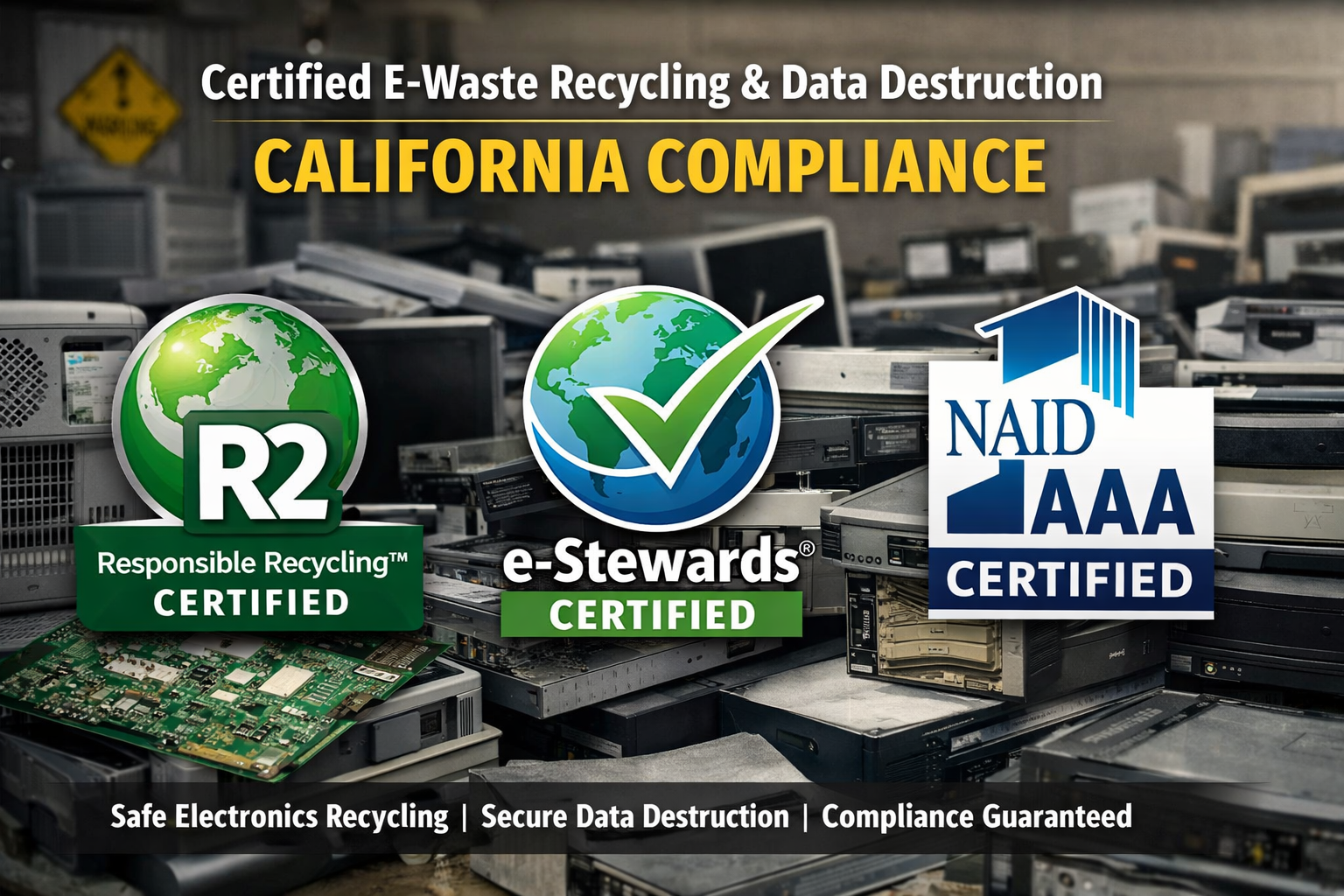
California requires e-waste to go through certified handlers. Look for recyclers with:
R2 (Responsible Recycling) certification – An industry standard for electronics recyclers covering environmental and data security practices [7]
e-Stewards certification – A stricter standard that prohibits export of hazardous e-waste to developing countries
NAID AAA certification – Specifically covers data destruction practices and requires regular audits
A certified recycler handles both the data destruction and the environmental recycling in one process. They'll ensure hazardous materials are properly processed while providing documentation that your data was securely destroyed.
Step 5: Get Proper Documentation
This is the step that protects you later. Before any device leaves your facility, make sure you'll receive:
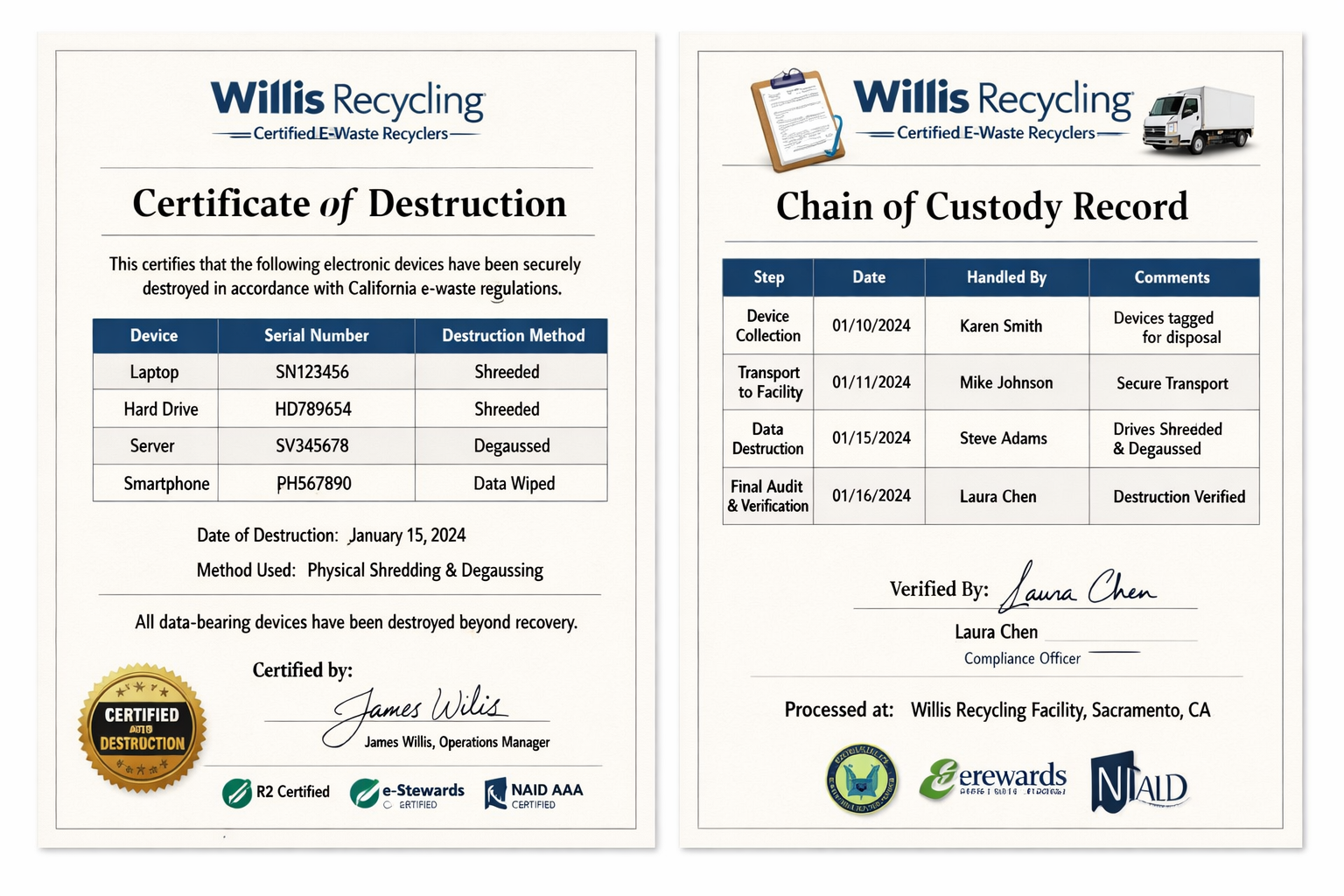
Certificate of Destruction – Confirms data was destroyed, lists serial numbers of devices processed, and specifies the destruction method used
Chain of Custody records – Documents who handled the equipment at each stage
Recycling certificate – Shows devices were processed through a certified facility in compliance with California law
Keep these records for at least seven years. Auditors and regulators expect to see them.
What Auditors Want to See
Whether you're dealing with an internal audit, a regulatory inspection, or a client's vendor assessment, certain documentation comes up consistently.
Standard Documentation Requests
Written PoliciesAuditors want to see that you have a formal process for e-waste and data destruction. This doesn't need to be elaborate—a one-page procedure covering inventory, handling, and vendor selection often suffices.
Vendor QualificationsBe ready to show your recycler's certifications (R2, e-Stewards, NAID) and any contracts or service agreements. Auditors want assurance you're using qualified vendors, not just whoever offered the lowest price.
Destruction CertificatesThe paper trail matters. Certificates should include:
Date of destruction
Method used (shredding, degaussing, wiping)
Serial numbers or asset tags of destroyed devices
Name and signature of responsible party
Chain of Custody LogsFrom the moment a device is tagged for disposal until you receive confirmation of destruction, auditors may ask who had custody. This is especially important for healthcare and financial services organizations.
Common Audit Findings to Avoid
Auditors frequently flag these issues:
No inventory of disposed devices
Missing certificates for data destruction
Using uncertified vendors to save money
Storing e-waste too long (exceeding the one-year limit)
No written policy covering the disposal process
Addressing these gaps proactively keeps you out of trouble.
Industry-Specific Considerations
Different industries face additional requirements beyond California's baseline rules.
Healthcare (HIPAA)
Medical facilities must treat any device that may have contained protected health information (PHI) as high-risk. HIPAA requires a "reasonable" standard for destruction—physical destruction of storage media is the safest approach. Many auditors consider data wiping insufficient for drives that held PHI.
Financial Services
Banks, credit unions, and financial advisors must comply with the Gramm-Leach-Bliley Act's Safeguards Rule, which requires secure disposal of customer financial information [8]. Regulators expect documented destruction processes with audit trails.
Government Contractors
Organizations handling federal contracts may need to meet NIST 800-88 guidelines for media sanitization, which specify approved destruction methods based on data classification [9].
Working With Willis Recycling for E-Waste Compliance
Managing e-waste compliance in-house creates headaches most businesses don't need. Between tracking regulations, vetting recyclers, coordinating pickups, and maintaining documentation, it pulls time away from your actual operations.
Willis Recycling handles commercial e-waste pickup throughout Northern California, including secure handling of data-bearing devices. We provide the documentation your compliance team needs—certificates of destruction with serial numbers, chain of custody records, and proof that materials went through certified processing.
Our team comes to your location, evaluates what you have, and manages the entire process from pickup through documented destruction. You get clear paperwork for your records without having to coordinate multiple vendors or worry about whether devices were handled properly.
Ready to clear out old electronics and check e-waste compliance off your list? Call Willis Recycling at (916) 271-2691 to schedule a pickup or get a quote on your current inventory.
Frequently Asked Questions
What happens if my business throws e-waste in the regular trash in California?
Disposing of covered electronic devices in regular trash violates California law and can result in fines from the Department of Toxic Substances Control. Penalties vary based on the volume and nature of the violation, but businesses have faced fines exceeding $25,000 for improper disposal. Beyond fines, you also risk liability for any resulting environmental contamination.
How do I know if a recycler is properly certified for California e-waste?
Ask for copies of their R2 or e-Stewards certification, which are the industry standards for electronics recyclers. You can verify these certifications through the SERI (Sustainable Electronics Recycling International) database for R2 or the e-Stewards website. For data destruction specifically, NAID AAA certification indicates the vendor has passed audits of their destruction processes.
Can I just wipe my hard drives myself instead of using a professional service?
You can, but it comes with risks. Consumer-grade deletion or formatting doesn't actually remove data—it just removes the reference to where the data is stored. Professional data wiping software that meets DoD or NIST standards is more effective, but even then, some advanced recovery techniques may succeed. For compliance purposes, physical destruction provides the clearest documentation and eliminates any possibility of data recovery.
How long should I keep e-waste disposal records?
Keep certificates of destruction, chain of custody logs, and related documentation for at least seven years. This covers most regulatory lookback periods and statute of limitations windows. Some industries with longer record retention requirements (like healthcare) may need to keep documentation longer based on their specific regulations.
Does Willis Recycling provide documentation for compliance audits?
Yes. When we process e-waste, we provide certificates of destruction that include serial numbers of devices processed, the destruction method used, and the date of destruction. This documentation meets the requirements most auditors look for during compliance reviews and gives you a clear paper trail showing proper handling of both hazardous materials and data-bearing devices.
About Willis Recycling
Willis Recycling is a family-owned mobile recycling service based in Sacramento, serving businesses throughout Northern California. With nearly two decades of industry experience, our team handles commercial scrap metal, cardboard, and e-waste pickup directly at client locations. We maintain proper certifications for e-waste handling and provide the documentation businesses need for compliance and audit purposes. Our approach is straightforward: we show up when scheduled, handle materials professionally, and give you clear paperwork showing everything was processed correctly.
Cited Works
[1] CalRecycle — "Covered Electronic Waste (CEW) Payment System." https://calrecycle.ca.gov/electronics/
[2] California Department of Toxic Substances Control — "Electronic Hazardous Waste." https://dtsc.ca.gov/electronic-hazardous-waste/
[3] California Department of Toxic Substances Control — "Universal Waste." https://dtsc.ca.gov/universal-waste/
[4] National Institute of Standards and Technology — "Guidelines for Media Sanitization (NIST SP 800-88)." https://csrc.nist.gov/publications/detail/sp/800-88/rev-1/final
[5] California Attorney General — "California Consumer Privacy Act (CCPA)." https://oag.ca.gov/privacy/ccpa
[6] U.S. Department of Health and Human Services — "HIPAA Enforcement." https://www.hhs.gov/hipaa/for-professionals/compliance-enforcement/index.html
[7] SERI (Sustainable Electronics Recycling International) — "R2 Standard." https://sustainableelectronics.org/r2/
[8] Federal Trade Commission — "Safeguards Rule."
https://www.ftc.gov/business-guidance/privacy-security/gramm-leach-bliley-act/safeguards-rule
[9] National Institute of Standards and Technology — "NIST SP 800-88 Rev. 1: Guidelines for Media Sanitization." https://nvlpubs.nist.gov/nistpubs/SpecialPublications/NIST.SP.800-88r1.pdf